IPTV subscription.
Get set up on your device.
Choose the device you want to use, check compatibility, then follow the setup route that matches your screen. We keep the information clear and practical.
Before ordering, confirm that the service is properly licensed and that your exact device and app combination is supported.
Which device are you using?
Setup can vary by model and operating system. Start with the category that matches your screen.
Samsung Smart TVCheck model & app support
LG Smart TVCheck model & app support
Sony Smart TVCheck OS & app support
Android TVTV & certified boxes
Fire TVCompatible apps
AndroidPhones & tablets
iPhone / iPadiOS compatibility
WindowsDesktop & laptop
MacDesktop & laptop
TV BoxesCheck exact model
The exact model matters.
Two devices in the same category can support different apps or playback methods. Check the operating system, app availability and any service-specific requirements before you order.
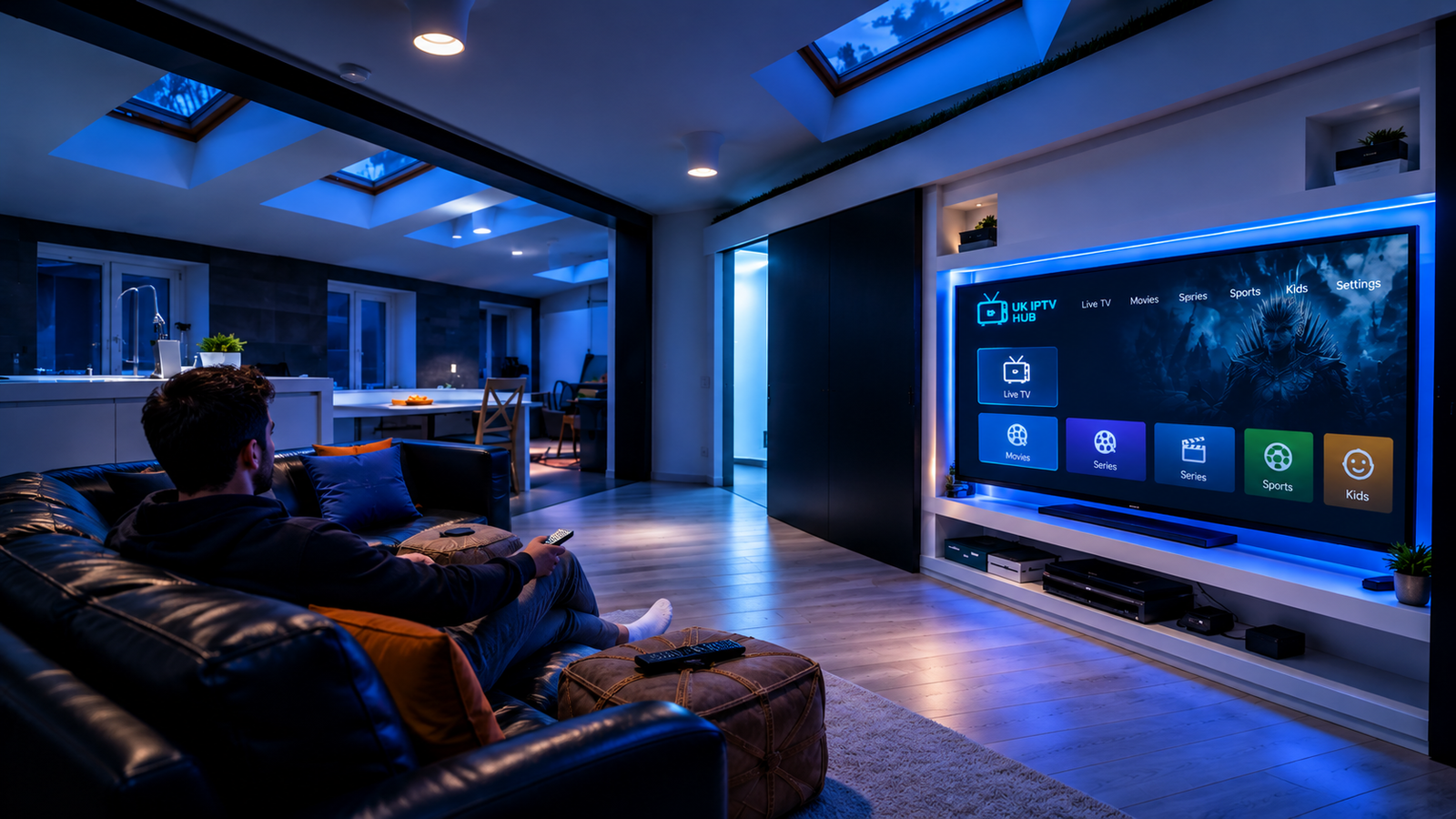
What to check before setup
A simple checklist helps avoid compatibility problems and unnecessary setup steps.
Smart TVs
Check the TV model, operating system and whether the required app or playback method is available on that model.
Fire TV & Android TV
Confirm the exact device generation and the supported installation or playback method before starting.
Phones & Tablets
Check whether your iOS or Android version supports the app or player you intend to use.
Windows & Mac
Use a compatible player or browser-based method where supported, and keep your operating system up to date.
From subscription to first stream.
Once your device and service are confirmed, the basic setup flow is straightforward.
Choose your device
Identify the exact screen, device model and operating system you are using.
Follow the right method
Use the compatible app, player or setup instructions provided for your service.
Test & get support
Check playback and connection, then contact support if you need help with a compatible setup.
Choose your plan with confidence.
Clear pricing, device guidance and straightforward support.